
Wi-Fi complaints are among the most common technology problems in British homes, and a substantial proportion of them are solved without spending anything.
Before buying hardware, it is worth understanding why the signal fails where it does.
Here is how to diagnose and fix it.
Router placement causes most problems.
Broadband routers in British homes are almost always installed wherever the master socket happens to be, which is frequently in a hallway, under the stairs or in a corner of the front room.
Wi-Fi radiates outwards in roughly a sphere. A router in the corner of a house wastes half its coverage on next door and the street.
Moving the router towards the centre of the property, raised off the floor and out of a cupboard, is free and frequently transformative. Signal is absorbed by floors, walls, water and metal, so a router behind a television, inside a cabinet or next to a boiler is compromised.
Extension leads for the broadband connection are available cheaply, and modern routers tolerate a reasonable length without meaningful loss.
Building materials matter enormously.
Newcastle's housing stock creates specific problems. Solid brick walls in Victorian and Edwardian terraces absorb signal far more than modern plasterboard partitions.
Older properties with lath and plaster may contain metal mesh, which is close to a Faraday cage for Wi-Fi. Foil-backed insulation board, fitted during retrofit insulation work, has the same effect.
Chimney breasts, stone walls in older Northumberland properties and steel-framed extensions all block signal substantially.
If your dead spot is behind one particular wall, the wall is likely the answer.
Understand the two bands.
Almost all routers broadcast on both 2.4GHz and 5GHz, and newer ones add 6GHz.
The 2.4GHz band travels further and penetrates walls better but is slower and more congested, sharing space with microwaves, baby monitors and Bluetooth.
The 5GHz band is considerably faster but has shorter range and is stopped more easily by walls. The 6GHz band, available on Wi-Fi 6E and Wi-Fi 7, is faster still with even shorter range.
Devices generally choose automatically, sometimes badly. If a device in a distant room performs poorly, forcing it onto 2.4GHz can help.
Interference is worth checking.
In terraced streets and blocks of flats, dozens of neighbouring networks may be competing for the same channels.
Router admin pages and free phone apps can show which channels are congested, and changing to a quieter channel sometimes produces a noticeable improvement.
Most modern routers select channels automatically, but they do not always do so well, and a manual change is worth trying.
Extenders, mesh and powerline differ.
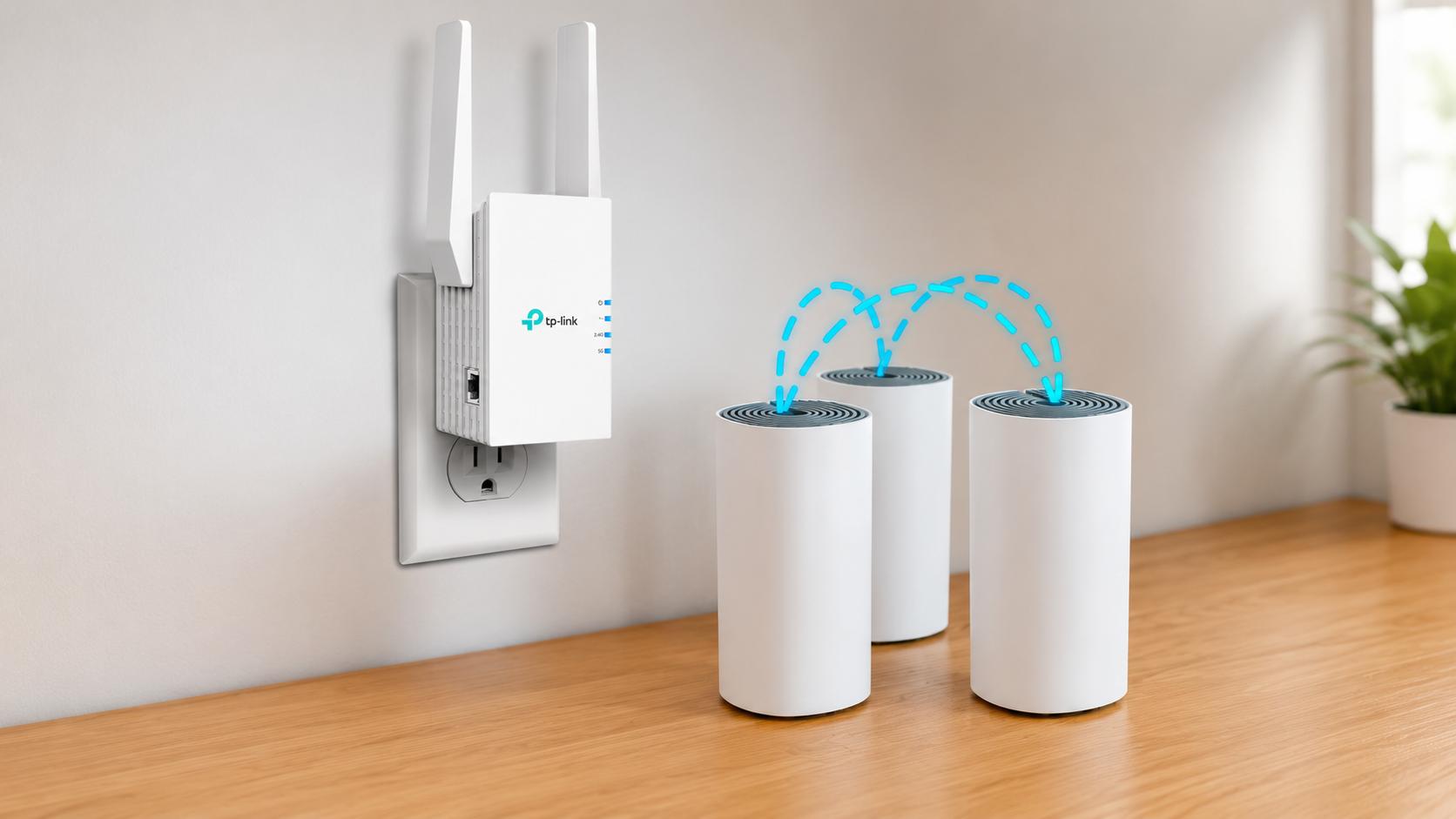
A Wi-Fi extender receives the existing signal and rebroadcasts it. They are cheap and simple, but they halve throughput on many models and typically create a second network name, forcing devices to switch manually. They work best in a spot with a decent signal that needs pushing slightly further.
A mesh system replaces your Wi-Fi entirely with several units communicating with each other, presenting a single network name and handing devices between nodes automatically. This is the best solution for whole-house coverage, and prices have fallen substantially.
Powerline adapters send data over the electrical wiring, with one unit at the router and another wherever coverage is needed. They work well in properties where wiring is on the same circuit and modern, and poorly across old circuits, separate consumer units or extension leads.
Ethernet remains the best answer.
For anything stationary and demanding — a games console, a desktop computer, a television streaming 4K, a home office — a cable beats wireless every time.
Running an ethernet cable is less disruptive than people expect, particularly along skirting or through a floor void, and flat cables can run under carpet edges.
If you are having work done in the house anyway, running cable to key rooms costs very little at that stage and solves the problem permanently.
Check what you are actually paying for.
Before blaming Wi-Fi, test the connection at the router with an ethernet cable. If the speed there matches what you pay for, the problem is inside the house.
Ofcom rules require providers to give minimum guaranteed speeds and to allow exit from contract if they fail to meet them.
Full fibre availability across Newcastle and the surrounding area has expanded substantially in recent years through both Openreach and alternative networks, and many households can now access considerably faster connections than they are currently paying for. Checking availability at your postcode is worthwhile.
Wi-Fi standards explained briefly.
Wi-Fi 5 is the older standard still found on many devices. Wi-Fi 6 improves performance in homes with many connected devices. Wi-Fi 6E adds the 6GHz band. Wi-Fi 7 adds further capacity and the ability to use multiple bands simultaneously.
Upgrading the router only helps if your devices support the newer standard, and older phones, laptops and smart home devices will connect at their own maximum regardless.
For most households, the number of devices matters more than raw speed, and Wi-Fi 6 or later handles congestion considerably better.
Security basics.
Change the default admin password on the router, which is separate from the Wi-Fi password.
Use WPA3 where available, or WPA2 as a minimum. Avoid older WEP encryption entirely.
Guest networks are useful for visitors and for smart home devices, keeping them separate from computers and phones holding personal data.
Share your thoughts.
Which room in your house has the worst signal, and have you worked out why?
Tech News
Fixing Wi-Fi Dead Spots in Your Home
Most home Wi-Fi problems are caused by where the router sits, and the fix costs nothing before you spend anything on hardware.
Advertisement





Comments (0)
You must be logged in to post comments.
Don't have an account? Register here
No comments yet. Be the first to share your thoughts!