
For many households across Newcastle and the North East, a laptop or desktop computer has become just as essential as a smartphone. Whether it's being used for work, gaming, online banking or streaming television, regular maintenance is often overlooked until something goes wrong.
Technology experts say carrying out a simple maintenance routine every three months can help improve performance, extend the life of your computer and even reduce the risk of unexpected hardware failures.
Research from the UK Government's Cyber Security Breaches Survey found that around half of UK businesses and many home users regularly face cyber security issues, highlighting the importance of keeping devices updated and properly maintained. Meanwhile, Microsoft and major PC manufacturers recommend routine cleaning and software maintenance to ensure devices continue operating efficiently.
Clean dust from cooling vents and fans.
Dust is one of the biggest enemies of any computer.
Over time, dust builds up inside cooling vents and around internal fans, restricting airflow and causing components to run at higher temperatures. Excessive heat can slow performance, reduce battery life and shorten the lifespan of expensive hardware.
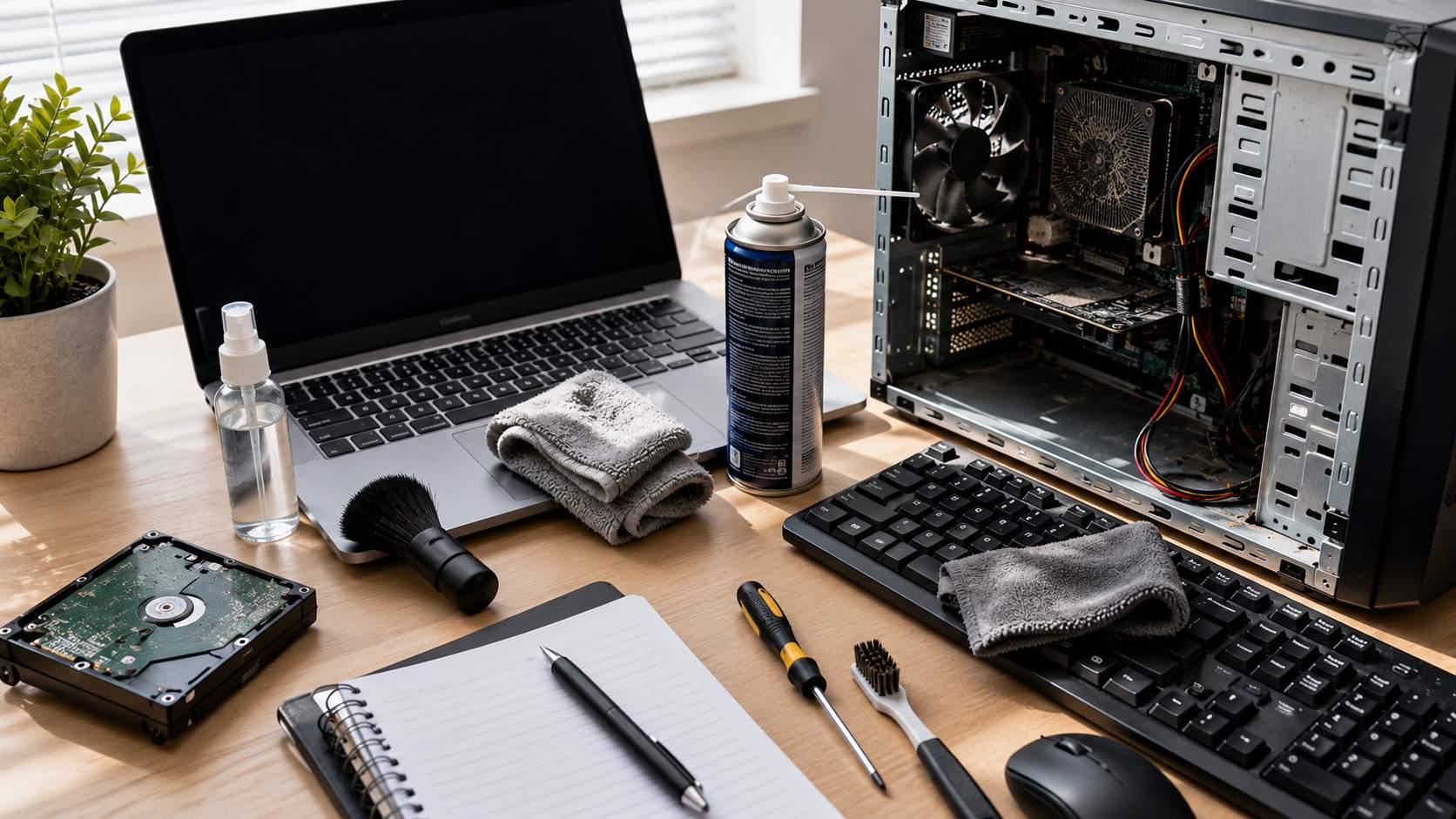
Every three months, switch off the computer completely, disconnect the power and use a can of compressed air to gently blow dust from air vents and fan openings.
Desktop users who are confident opening their computer case can remove additional dust using compressed air while holding cooling fans still to prevent unnecessary wear. Laptop users should avoid dismantling their devices unless they are familiar with the manufacturer's instructions.
Clean your keyboard, screen and mouse.
Many people clean their homes regularly but rarely think about the devices they use every day.
Research has shown keyboards can harbour thousands of bacteria per square inch, particularly if they are used while eating or drinking.
Use a soft microfibre cloth to wipe your screen, along with a dedicated screen cleaner that is safe for LCD and OLED displays. Never spray liquid directly onto the screen.
For keyboards, compressed air can remove crumbs and dust between the keys, while disinfectant wipes designed for electronics can help remove oils and fingerprints.
Cleaning your mouse, webcam and laptop lid at the same time helps keep your entire workstation looking and feeling fresh.
Install software and security updates.
Keeping Windows, macOS and installed applications fully updated remains one of the simplest ways to protect your computer.
Software updates frequently include important security patches that fix newly discovered vulnerabilities, improve system stability and introduce performance improvements.
Microsoft releases security updates every month, while Apple and other software developers regularly publish updates throughout the year.
Allowing updates to install automatically helps ensure your computer remains protected against the latest threats.
Remove programmes you no longer use.
Most computers gradually fill with software that is no longer needed.
Unused applications take up storage space and some continue running in the background every time the computer starts, slowing overall performance.
Every few months, open your installed applications list and remove anything you no longer recognise or use.
You should also review browser extensions, as unnecessary add-ons can reduce browsing speed and potentially introduce security risks.
Free up storage space.
A nearly full hard drive can noticeably affect performance.
Delete temporary files, empty the recycle bin and remove duplicate downloads that have accumulated over time.
Windows Storage Sense and Apple's storage management tools can automatically identify files that are safe to remove, helping free valuable disk space without deleting important documents.
If your computer regularly drops below 15 to 20 percent of available storage, performance may begin to suffer.
Back up important files.
Few things are more frustrating than losing family photographs or important documents because of a hard drive failure.
The UK's National Cyber Security Centre recommends maintaining regular backups so files can be recovered if a device is stolen, damaged or infected with malware.
Cloud services such as OneDrive, Google Drive and iCloud provide automatic backups, while external hard drives remain an affordable option for larger collections of photos and videos.
Checking that your backups are still working every three months offers valuable peace of mind.
Check your battery and charging equipment.
Laptop users should also inspect charging cables and battery health.
Frayed charging leads, damaged connectors or batteries that discharge unusually quickly may indicate developing faults.
Most modern laptops include built-in battery health reports that show how much capacity remains compared with when the device was new.
Replacing a worn battery before it fails completely can significantly extend the usable life of a laptop.
Run a security scan.
Even if your computer appears to be working normally, it is worth performing a full antivirus scan every few months.
Microsoft Defender, included with Windows, provides built-in protection, while several reputable third-party antivirus programmes offer additional features such as ransomware protection and phishing detection.
Running occasional malware scans helps detect threats that may have slipped through during everyday browsing.
Small jobs can prevent expensive repairs.
Technology specialists say many expensive repairs begin with relatively minor issues that go unnoticed.
Blocked cooling vents, ageing storage drives, outdated software and neglected backups can all contribute to avoidable failures over time.
For households across Newcastle and the North East, spending just 30 minutes every three months maintaining a computer could improve performance, extend its lifespan and reduce the likelihood of unexpected repair bills.
Whether your computer is used for work, education or entertainment, a simple maintenance routine can keep it running smoothly for years to come.
Share your hints and tips below.
How often do you clean or maintain your computer, and what tips have worked best for you?
Tech News
Why Cleaning Your Computer Matters More Than You Think
Advertisement





Comments (0)
You must be logged in to post comments.
Don't have an account? Register here
No comments yet. Be the first to share your thoughts!